Sell links without arguing about screenshots
List your site with your own price rows, take requests, mark placements done — the buyer’s automatic check confirms the link and the deal closes itself.
- Your prices, your formats
- No platform fee
- Auto-accept 72 hours after the link is found
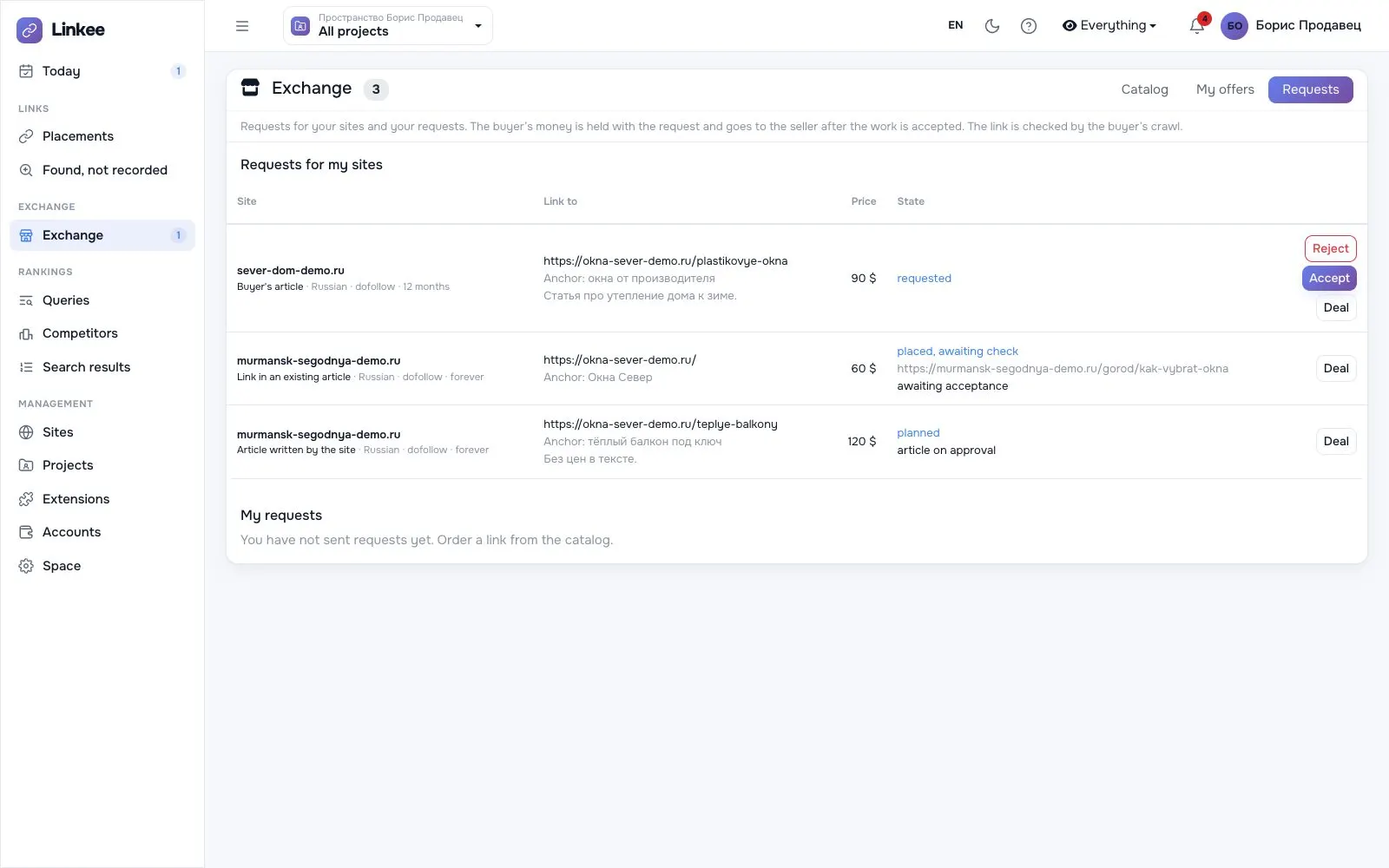
Five steps, most of them automatic
Deals are paid in Linkee credits (USD): the price is held when you send a request and goes to the seller on acceptance.
Add your site
Confirm it is yours with a meta tag, a file or a DNS record; Linkee collects its history, hosting and DR.
Set price rows
One row per format, with price and turnaround.
Show your traffic
Optionally connect Yandex or Google: buyers see visits and search clicks.
Take requests
Accept, or decline with a reason; send a draft for approval when asked.
Mark it placed
Give the page address. The buyer’s check confirms it; 72 hours later the deal is accepted.
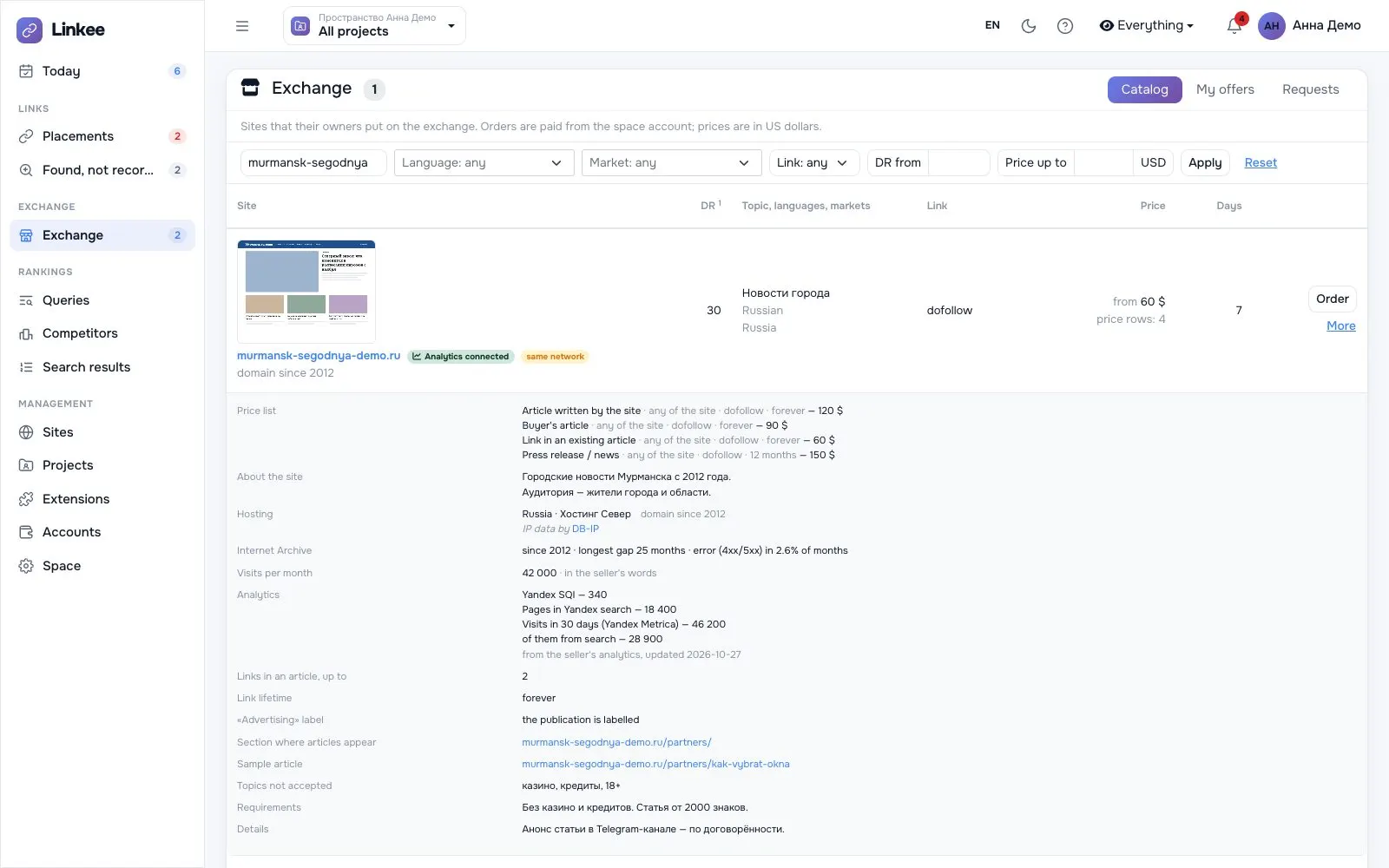
Traffic that buyers trust
Connect Yandex or Google, and buyers see your real visits instead of a number they have to take on trust.
Good to know
- Payment
- Credits for a deal reach your Linkee account after the buyer accepts the work
- Currency
- Price rows are in USD
- Listing
- Your site appears in the catalog once you have confirmed it is yours and set a price
List your first site
Sign up, add the site and set a price row.